
Pick a template
Offer more than one and guests choose before they start.
Connect your camera, printer, guest screens and galleries in one app. FibiBooth is built for operators who already own the hardware and want to run all of it from one place.
No card, no time limit. Photos from the free version carry a watermark.
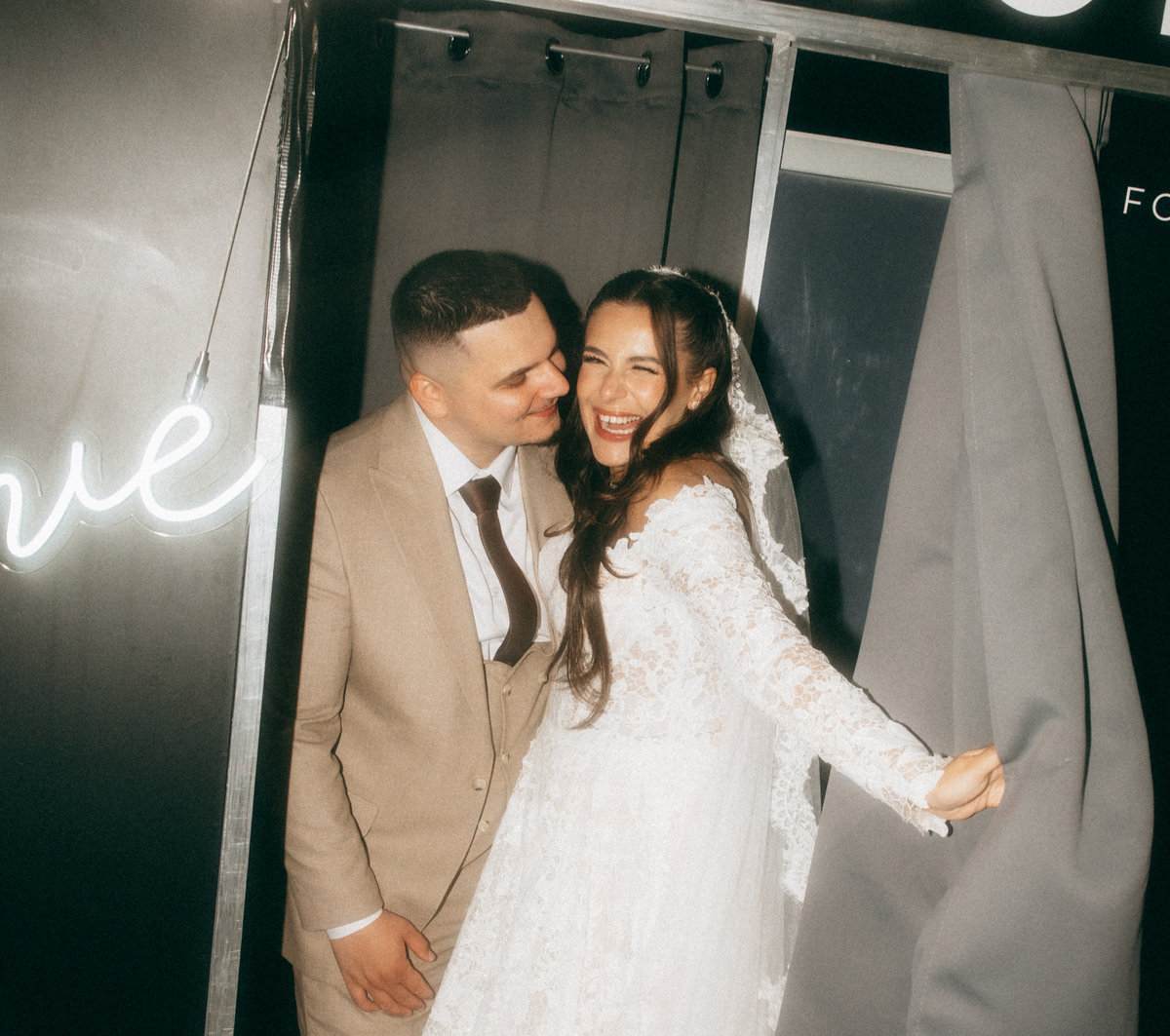
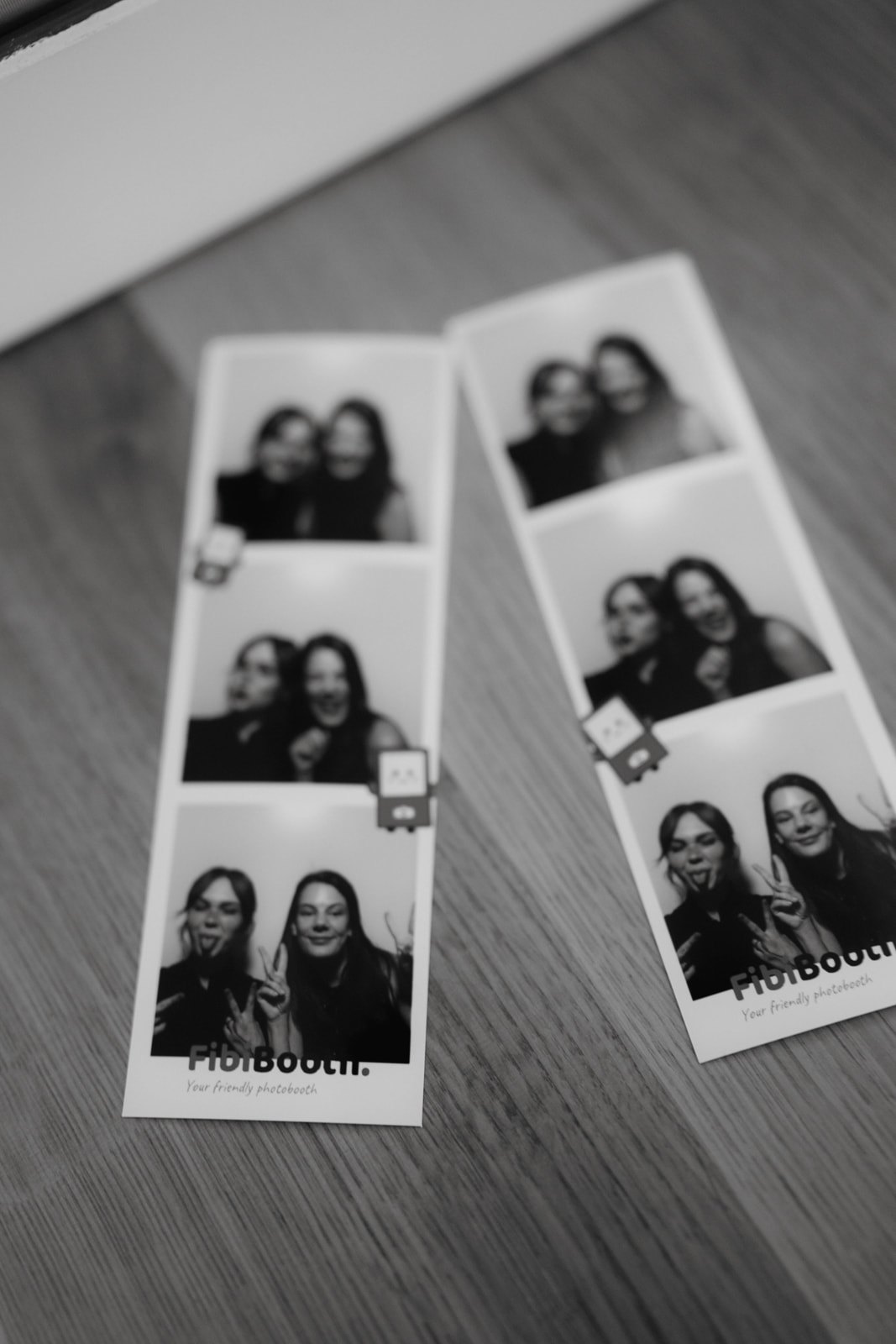
The whole flow is built for a touchscreen and for groups moving through fast. The operator steps in for the exceptions, not for every photo.
Offer more than one and guests choose before they start.
Guests see themselves, get ready and tap to start.
An automatic countdown takes one photo or several.
The photos drop straight into the template you prepared.
Guests pick how many copies they want, or open the photo on their phone.
When it's done, the booth gets itself ready for the next group.
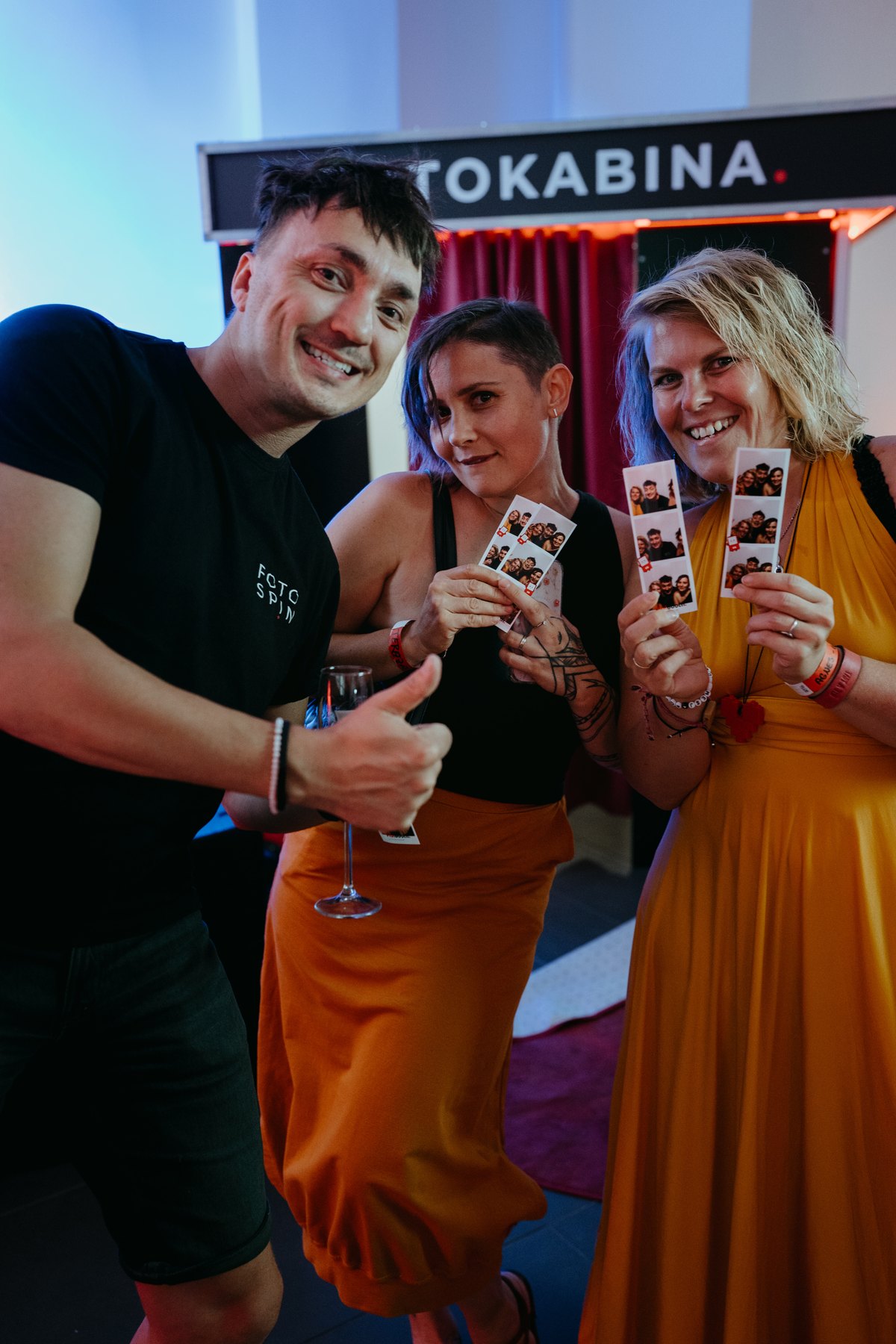
Style the print template and every guest screen to match the client. Once you've set an event up, copy it and use it as the starting point for the next one.
Every template has its own photo count, graphics and print behaviour. At a single event, guests can choose what they take home.

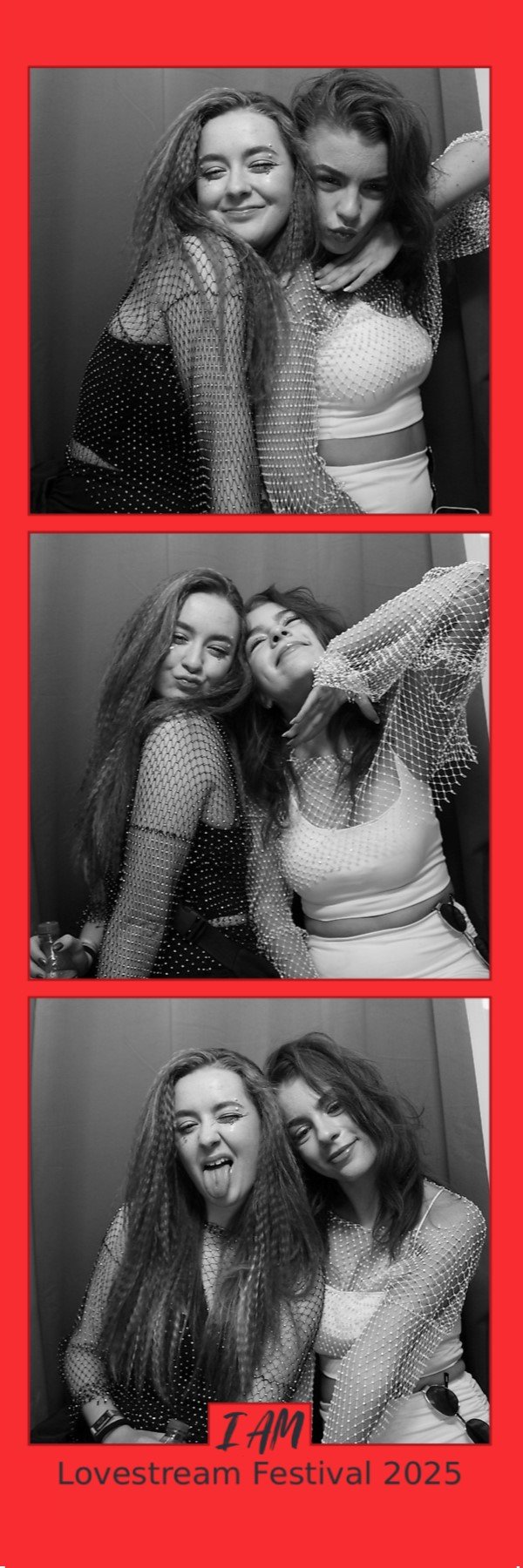
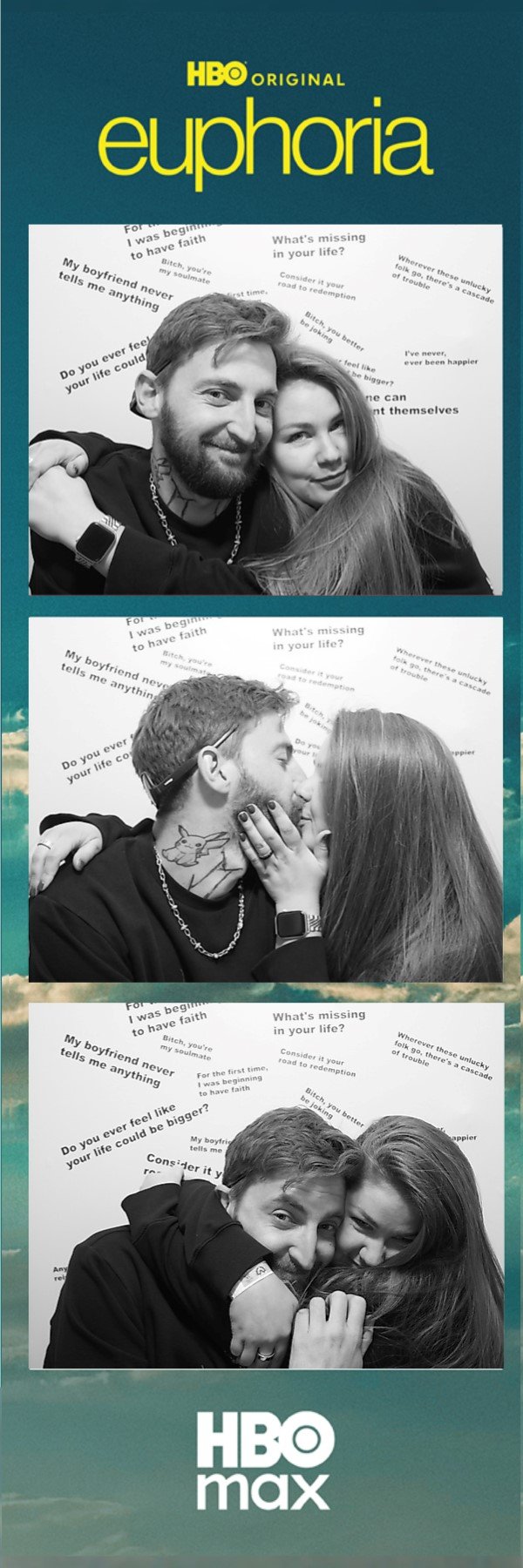
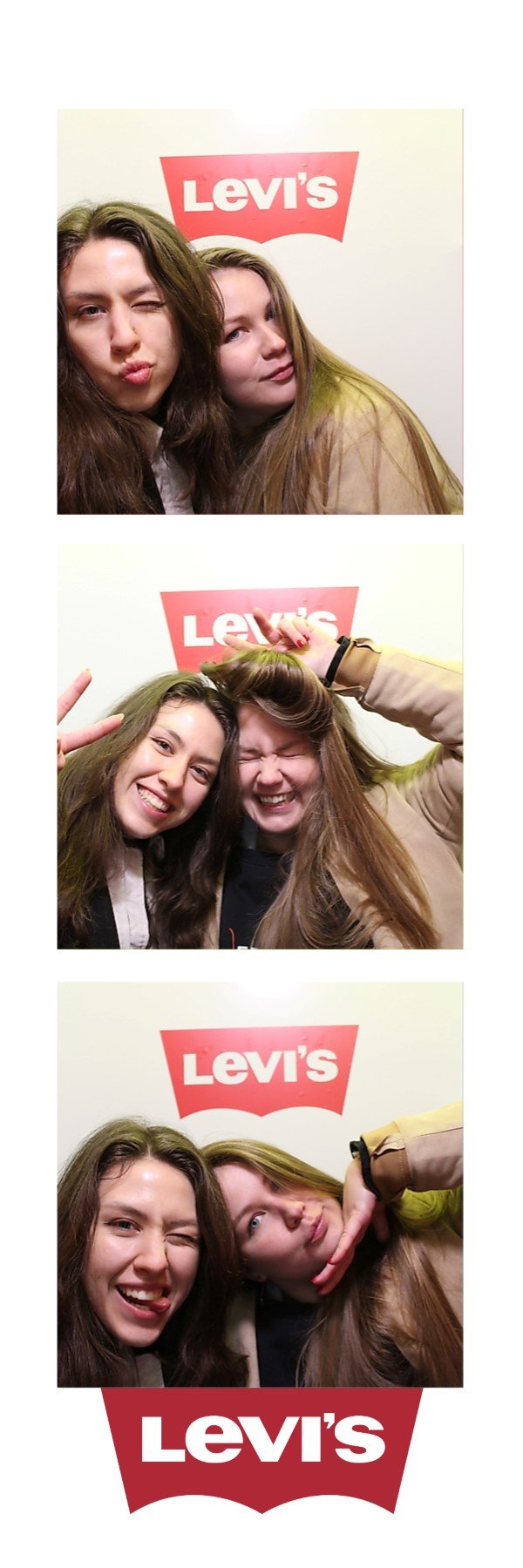
Finished photos can go to the printer on their own, or wait until the guest confirms. While the printer works, the booth can already be getting ready for the next group.
Create an event on your laptop or right at the booth. Settings, templates, screens and graphics download themselves to every booth signed in to your account.
The editor saves your changes as you go. Edit an event on several devices and they all stay in sync.
Settings and graphics carry over, and the new event starts with an empty gallery.
Any number of devices on one account can download the same event.
After the first download the booth holds the whole event locally, so it keeps working without internet.
The app watches for new versions and offers them to you to install.
Guests only ever see the photo flow. Settings open for the operator, with a PIN.
The camera, composing the photos and printing all run from the copy stored on the booth. Anything that didn't get sent waits in a queue and uploads itself as soon as you're back online.
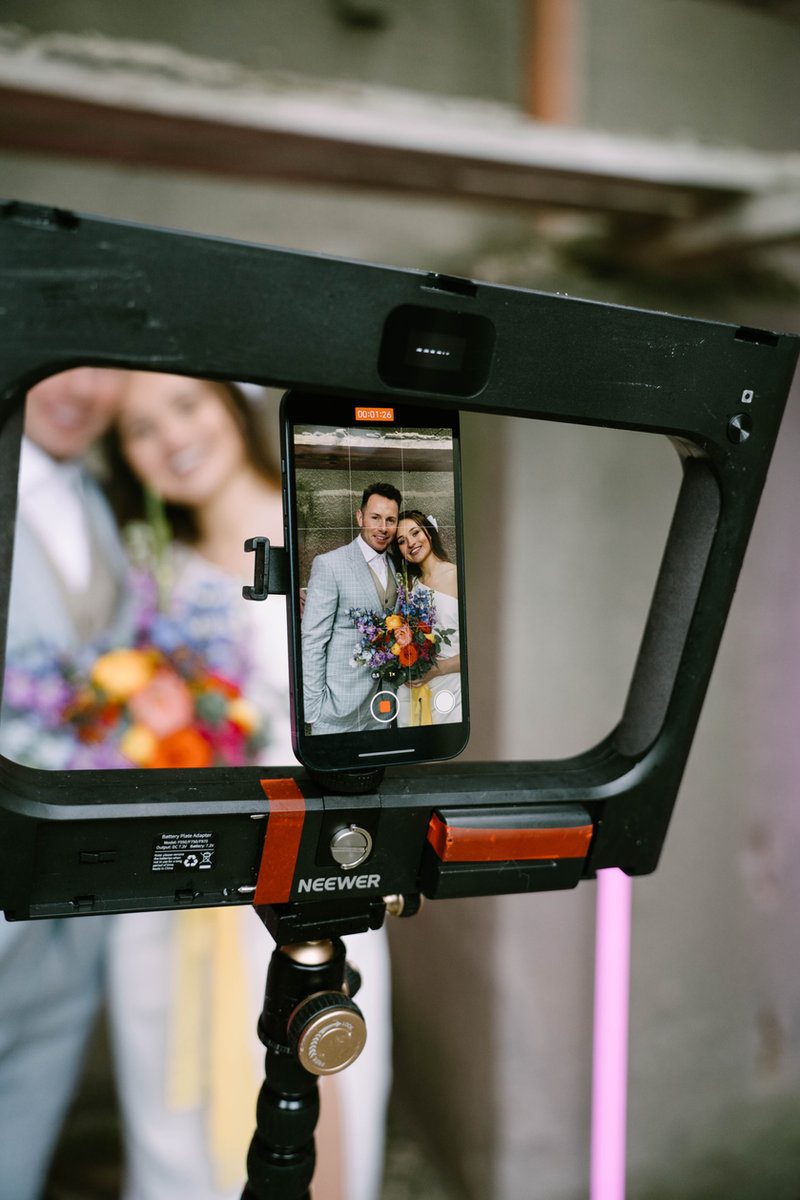
Download FibiBooth for free and try it on your own gear. Cameras, printers and drivers all behave differently, so one real test tells you more than a long list of model numbers.
The app will install on Windows 10, but we don't support it and some things may not work.
We've tested the Canon EOS 2000D, EOS R50 and Sony ZV-E10 II ourselves. Other models may work too, but test yours before the event.
In the app you just pick it from a list. Printing goes through its own driver, so you're not tied to one brand.
With supported DNP printers the strips cut themselves, and the operator sees how much paper is left, plus more detailed errors. The model we've verified is the DP-DS620.
Once the booth has the event downloaded, it takes photos and prints without a network. The cloud, QR codes and AI do need a connection.
Windows can tell it really came from us and wasn't changed on the way.
All core features are free with a watermark. Watermark-free Windows output requires one event or FibiBooth Complete.
Prices exclude VAT. Applicable VAT is added at checkout.
The fastest way to settle compatibility is a free test on your own setup. If you're not sure, send us your camera, printer and computer models.
ahoj@fotoveci.cz →No. You create a free account right in the app and can use it with no time limit. New photos carry a FibiBooth watermark.
We've tested the Canon EOS 2000D, EOS R50 and Sony ZV-E10 II. Related models may work too, but they differ in how they behave over USB and how they handle live preview and focusing. So do test your setup before the event.
Yes. In the app you pick a printer installed in Windows and printing goes through its driver. Strip cutting, the remaining-paper count and more detailed error messages work only with supported DNP printers.
Once the booth has the event downloaded, the live preview, taking photos, composing them and printing all keep working, as does the gallery on the booth. Cloud uploads resume once you're back online. AI and new QR links do need internet.
Yes. One event can hold several named templates and guests pick between them before they start. Each one can have a different photo count, graphics and print behaviour.
You can register as many devices as you like. One event and FibiBooth Complete include two shared watermark-free camera devices. Extra seats are available only with FibiBooth Complete.