

Capture that keeps up the pace
Live preview, a precise countdown, retakes and an instant look at the result.
We went looking for software for our own events: easy to set up, with capture, printing, AI, 360° video and sharing in one place. We couldn't find it, so we built FibiBooth. Now you can use it too.
Every feature free, with a watermark. All it takes is a free account: no card, no commitment.







FibiBooth comes from the same team as Fotověci and Fotospin. We've run our own photo booths for five years: the printers, the guests, the production. That's why we build controls that still work when a queue builds up in front of the booth.
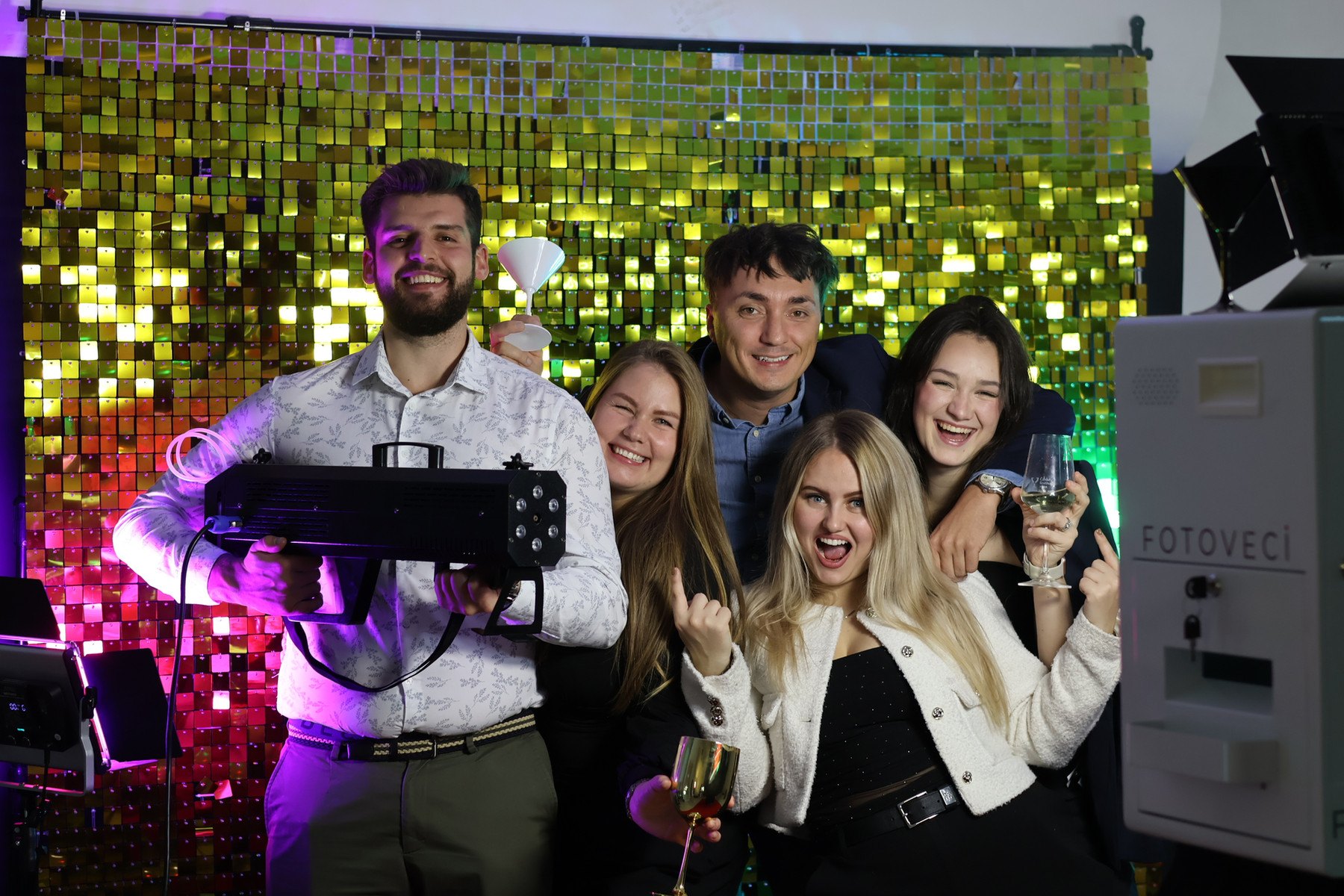
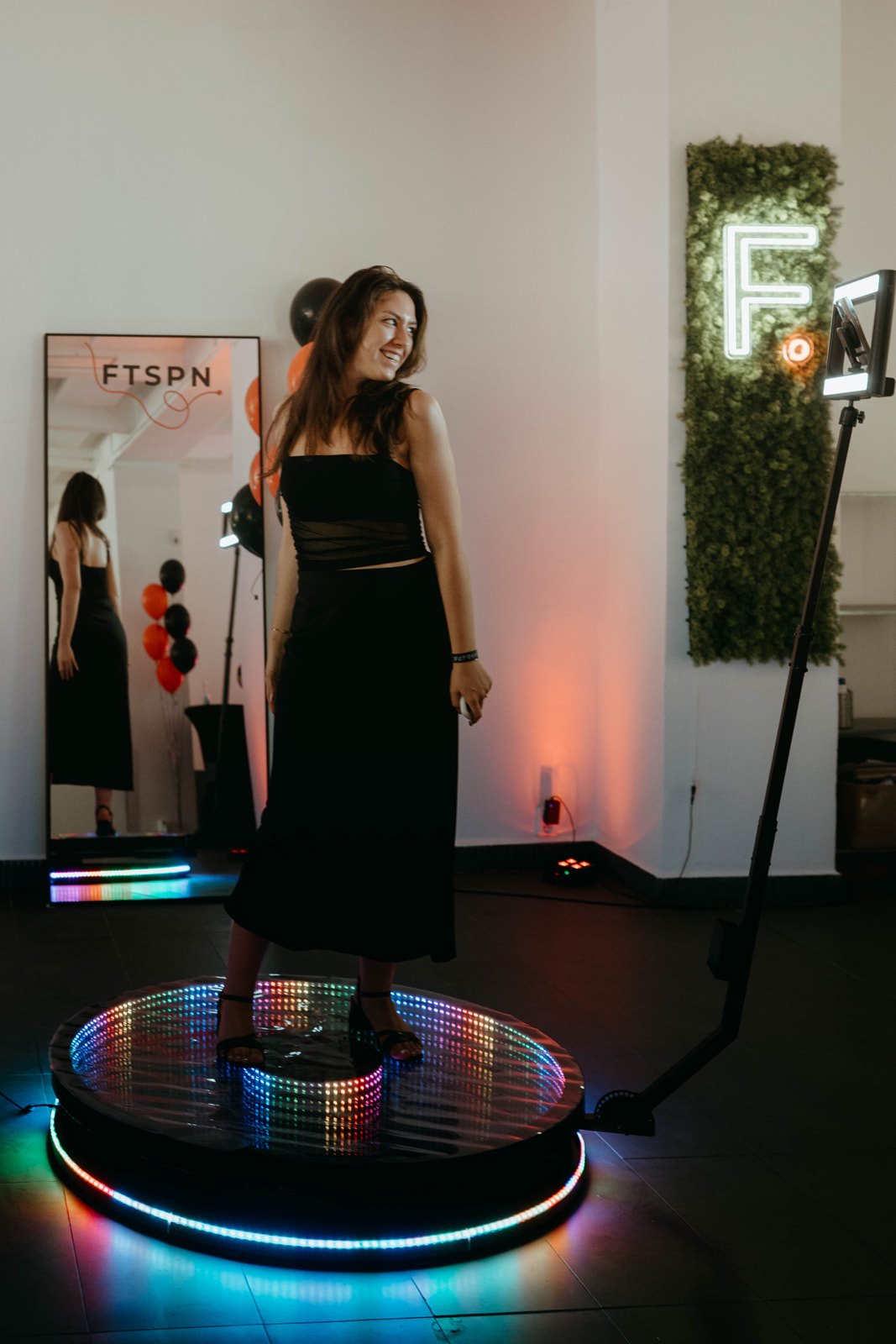
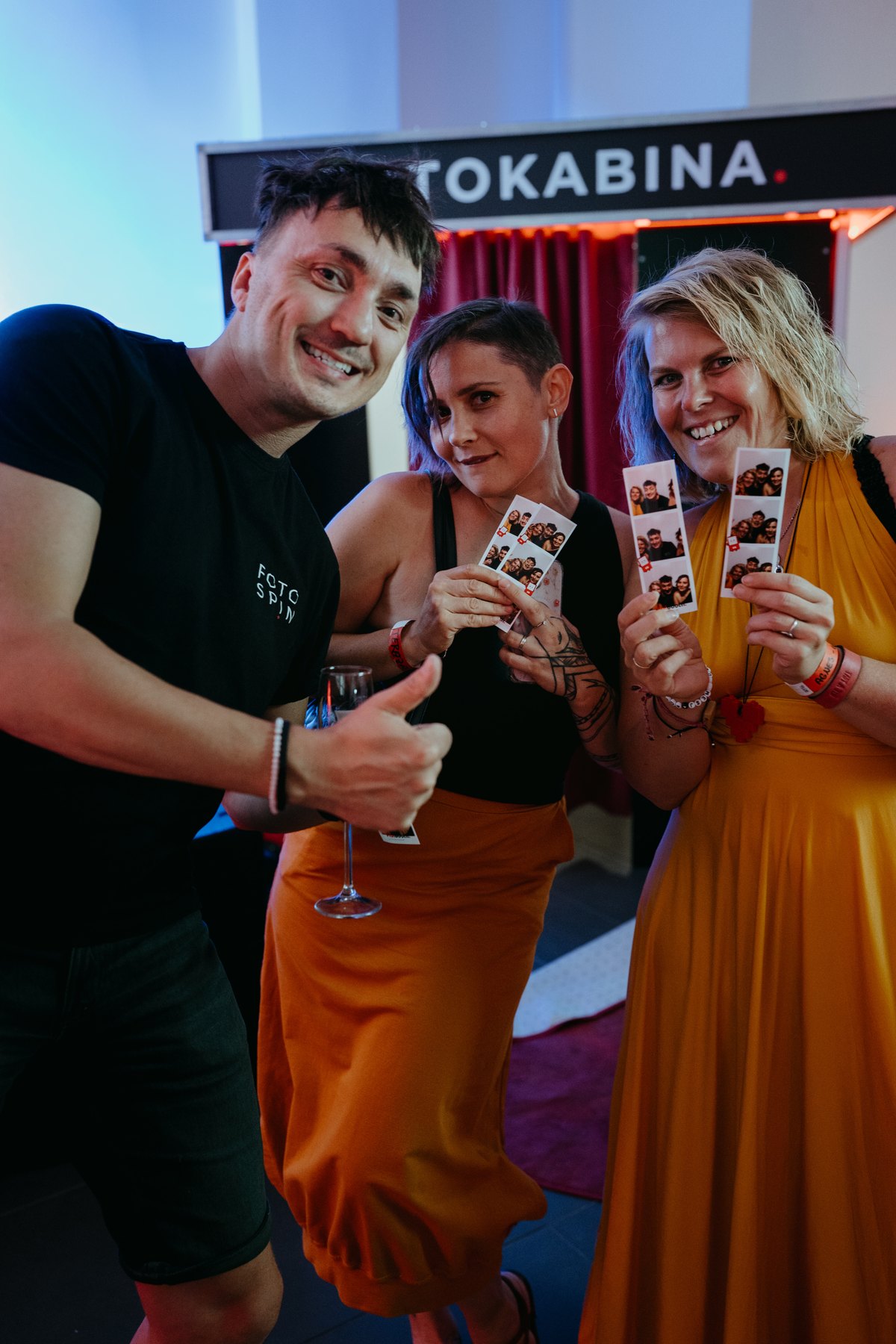

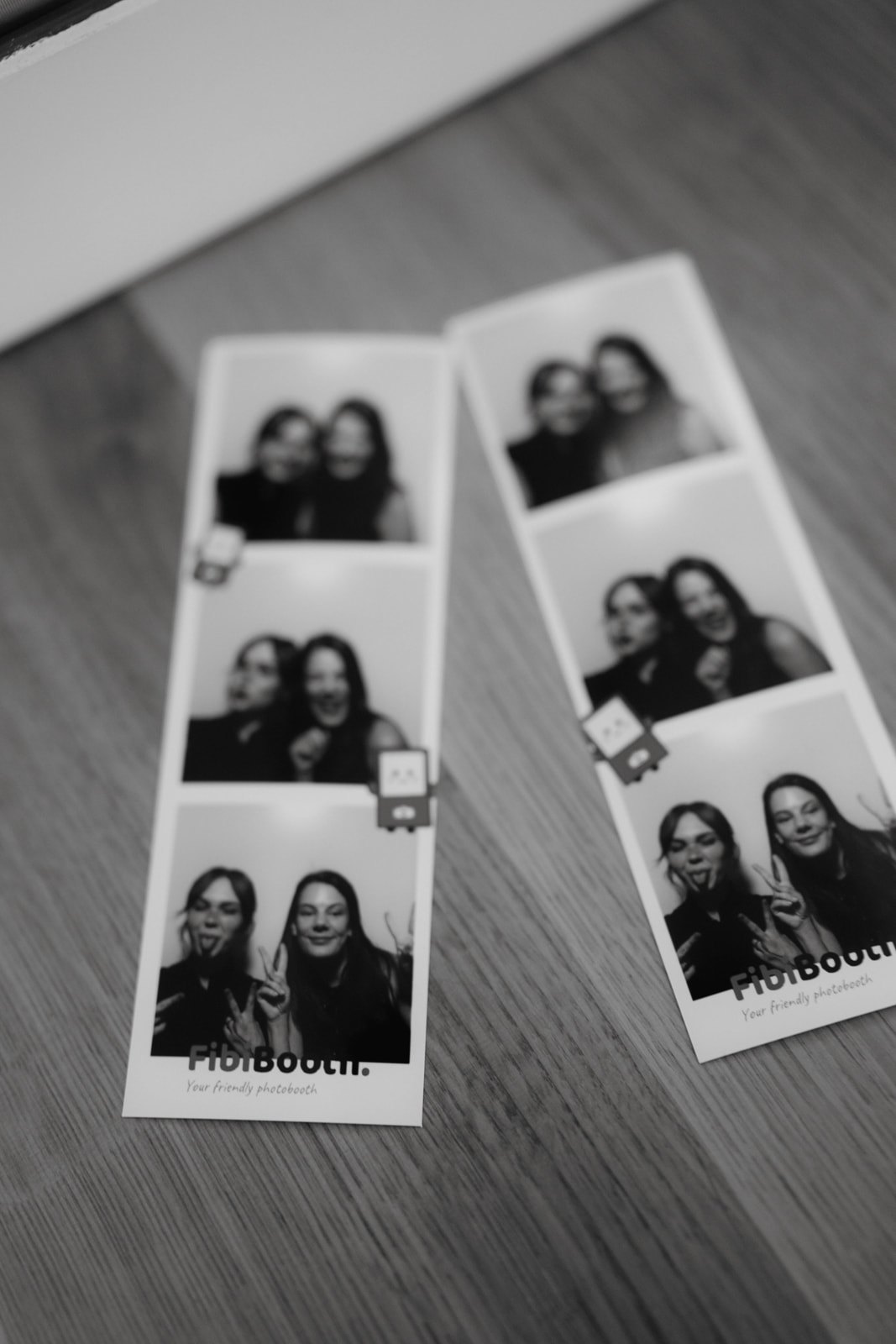
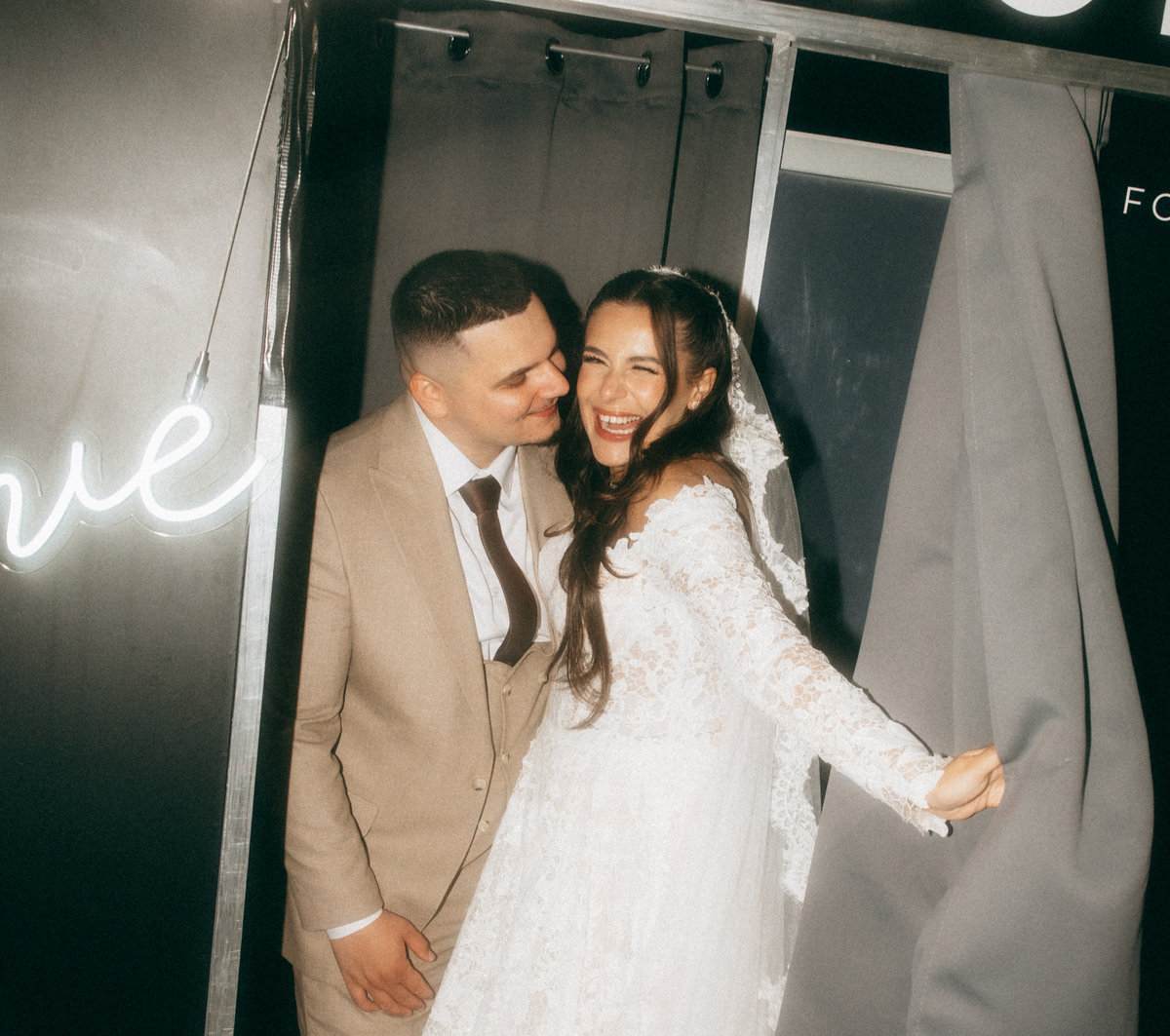



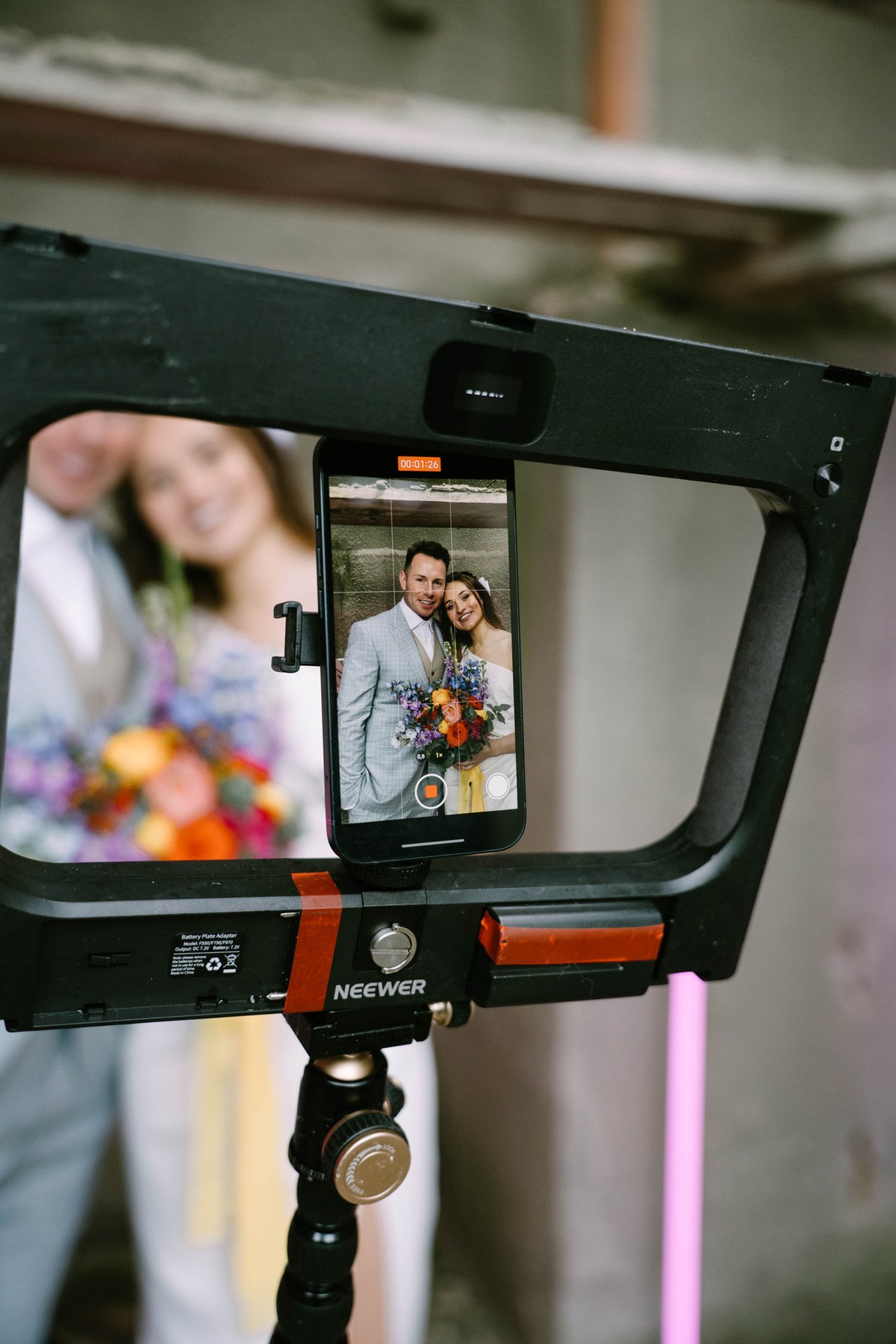
FibiBooth for Windows and FibiBooth360 for iOS run on the same account and the same paid plan, share your events, and put photos and videos in one gallery.
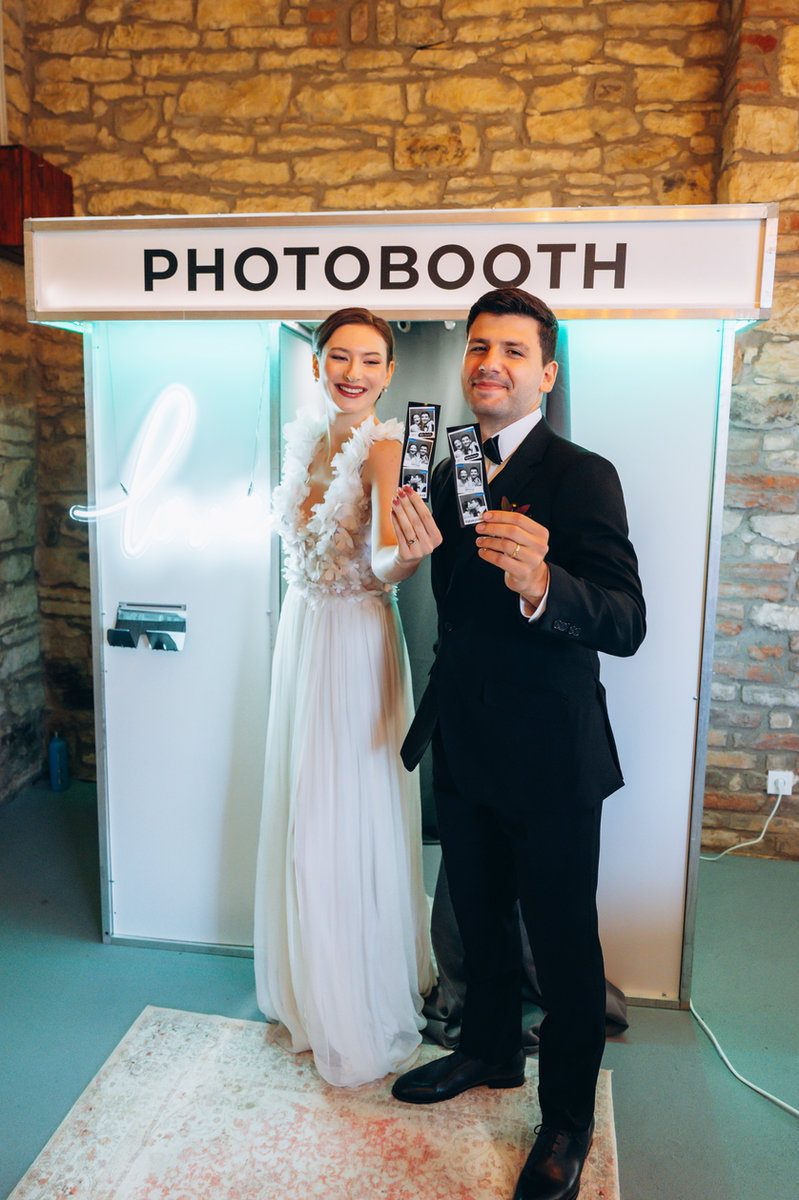
Capture, your own templates, printing and QR sharing.
Explore the photo booth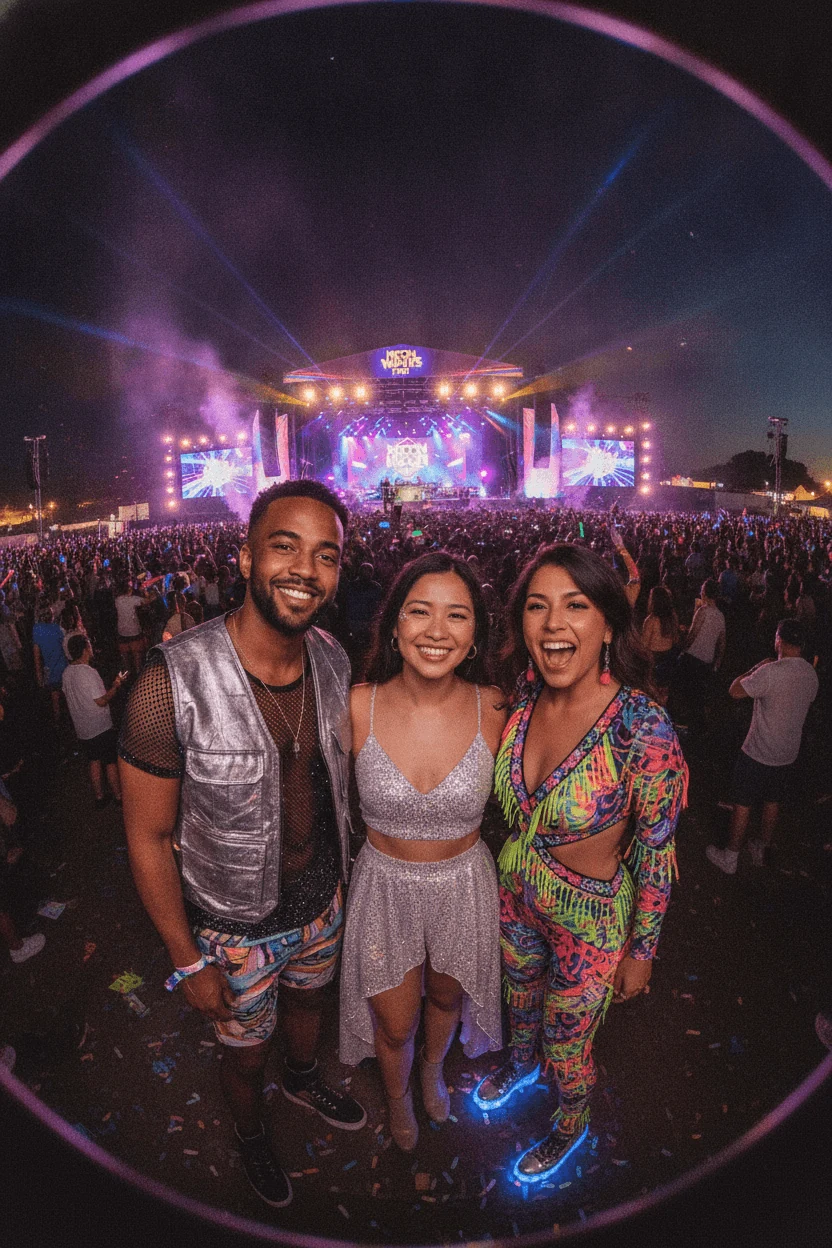
Transform guests with AI styles you build yourself.
Explore AIRecording, effects and instant video sharing.
Explore 360°From live preview to the last print. FibiBooth ties the camera, the printer, the guest screens and the gallery together in one Windows app. The classic photo booth in detail →
Live preview, a precise countdown, retakes and an instant look at the result.
Your own screens, colours, wording and print templates with any photo layout you like.
Automatic and manual copies, background printing, and printer status right inside the app.
Photos stay safely stored in the booth. The moment the internet is back, they upload to the cloud automatically and the QR links start working.
AI is part of FibiBooth for Windows. You prepare styles for a particular event, brand or theme, and the guest picks the transformation they want to print or share on the spot. The AI photo booth in detail →
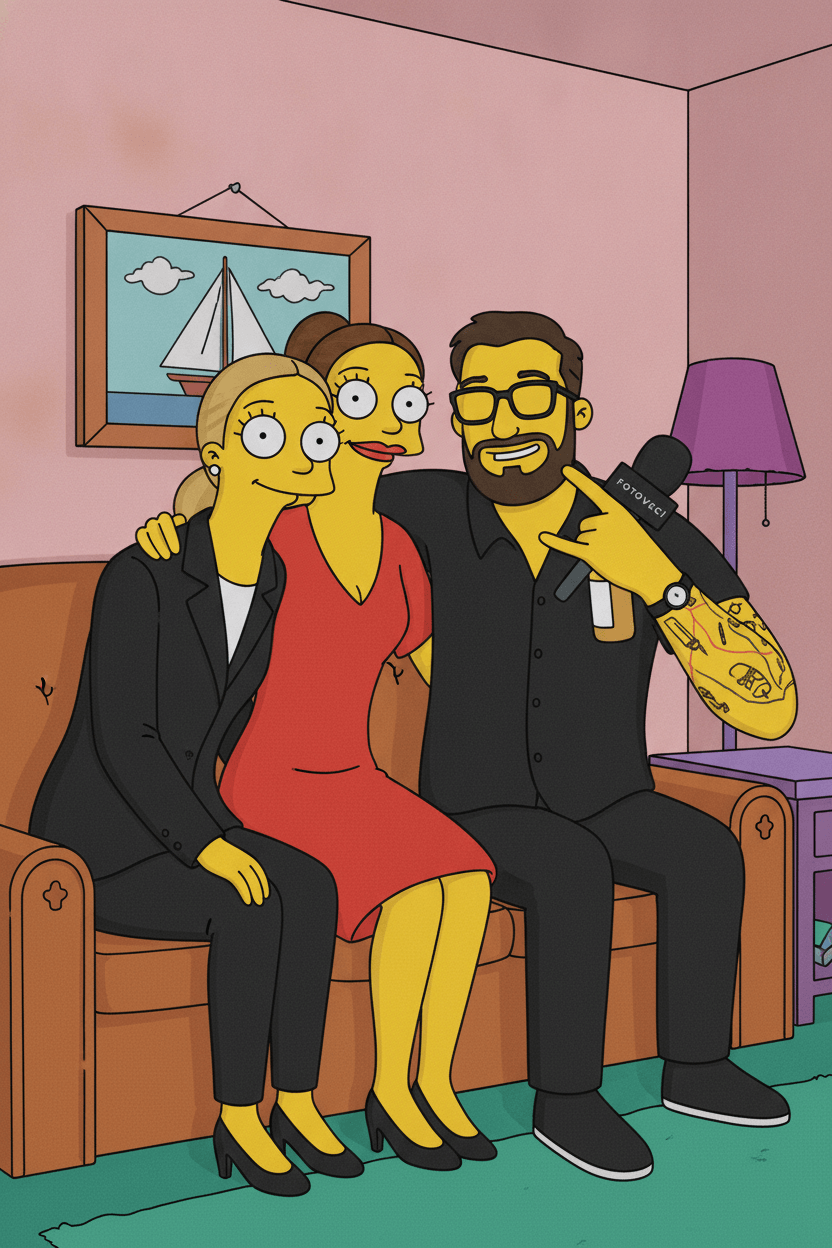

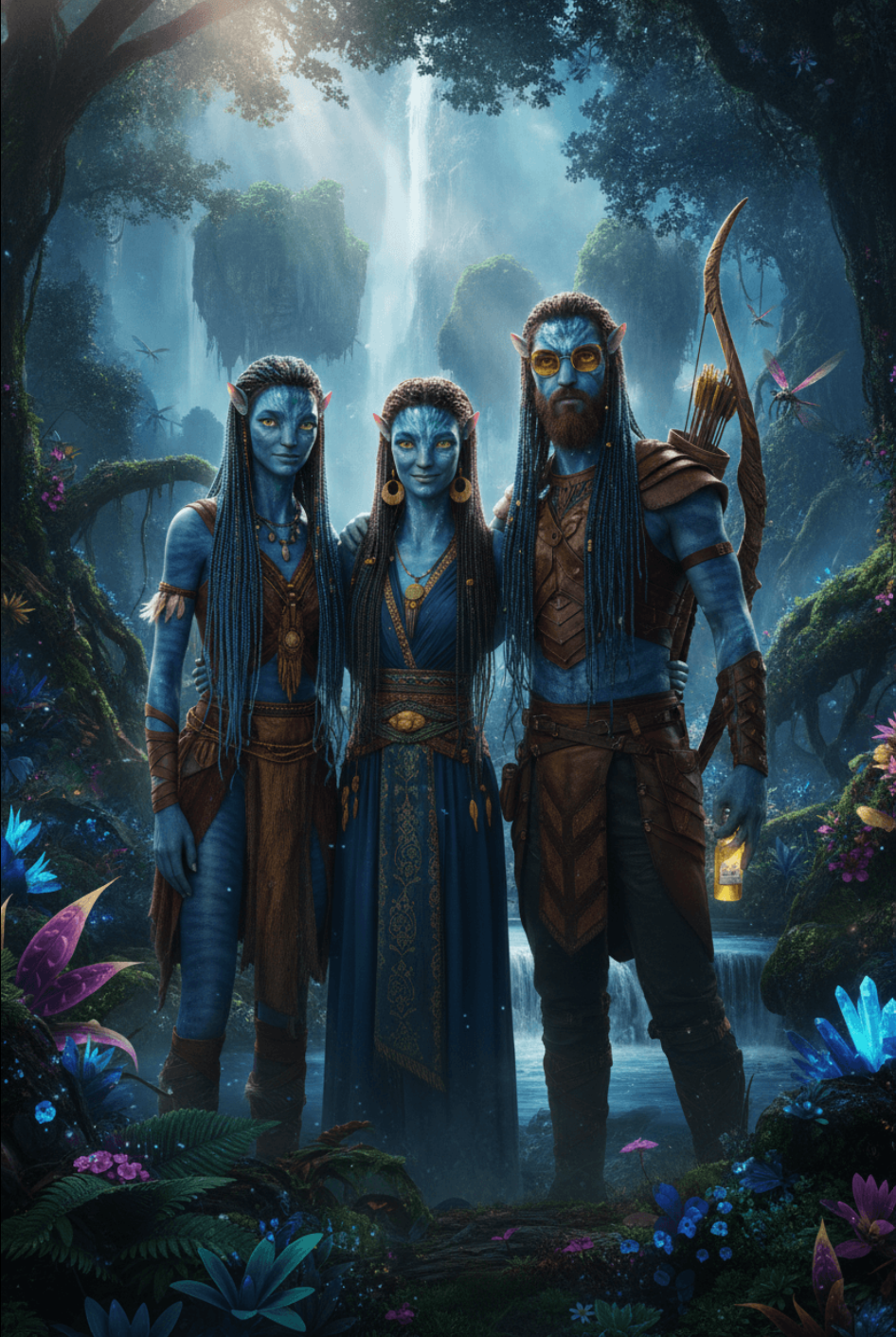
AI can change the setting, the mood and the whole art style, and still keep your guests at the centre of the photo.
You build your own menu before the event. At the booth the guest chooses the one they like.
Processing usually takes around 30 seconds. The finished photo drops into the print template, and the guest scans a QR code to get it on their phone.



The app shows them as credits. One credit is one finished AI edit. If processing fails, you get the credit back.
If the included edits run out, you can top up at any time.
$15
$49
FibiBooth360 records the video, then adds the effects and your graphics. No extra computer next to the platform. You set the event up on the web, and the finished videos land in the shared gallery. FibiBooth360 in detail →
The operator starts the recording right at the platform, and FibiBooth360 turns it into a finished clip.
Add effects, a logo and graphics prepared for a particular brand or event.
The result plays back on the iPhone and iPad, and you send it to the guest over AirDrop. The QR code starts working as soon as the video reaches the cloud.
Both apps share the account, web event management and galleries. Choose FibiBooth360 or FibiBooth Complete when you also need Windows.
FibiBooth ties the preparation, the event itself and the finished output together. Web management, the Windows app and FibiBooth360 all work under one account.
Before the event
Create the event, upload your graphics, choose AI styles and set up the gallery. You never have to touch the computer inside the booth.
During the event
FibiBooth handles capture, printing, QR sharing and AI transformations. FibiBooth360 records and assembles 360° videos right on the iPhone.
After the event
Photos and FibiBooth360 videos come together under a single event in the web gallery. A copy of every video stays on the iPhone, so you can hand them to guests even without internet.
Try FibiBooth free, with a watermark. Remove it for a single event with a one-time payment, or with a subscription if you run booths regularly.
FibiBooth + AI
The classic Windows photo booth with every feature, AI edits included. No Fotospin 360.
Up to 2 photo booths at once
Renews automatically, monthly or yearly.
FibiBooth Complete
Both in one licence. Yearly it costs $49 less than buying the two separately.
2 photo booths + 2 Fotospin 360s at once
Renews automatically, monthly or yearly.
FibiBooth360
Software for 360° video booths. Watermark-free iPhone videos and shared web management.
Up to 2 Fotospin 360s at once
Renews automatically, monthly or yearly.
Free
Get hands-on with everything, for as long as you like. Finished photos and videos carry a FibiBooth watermark. Includes 5 AI edits and cloud galleries.
All prices exclude VAT. You pay per licence, not per device. Extra devices cost $20 a month. Full price list →
We build photo booths, we sell them, and we take them to our own events. Whatever proves itself out there ends up in FibiBooth.
The FibiBooth showroom sits inside our own event space in the centre of Prague. Drop by for a personal consultation and try the photo booth and AI edits for yourself.
Biskupský dvůr 6, Prague 1 ↗Practical answers about trying it out, the hardware and paying for it.
Yes. Create a free account and you can use the Windows app with no time limit. Photos and videos carry a watermark, which disappears once you pay for a single event or a subscription. The free version also includes 5 AI edits.
Yes, a free one. It takes a minute to create, in the app or on the web, and you don't need a card. The account connects the booth to web management, cloud galleries and QR sharing.
FibiBooth is made for Windows photo booths and isn't tied to one particular setup. Before you go live, just check that your camera and printer are supported.
For $20 you get access for two booths running at once and 30 AI edits. You buy it up front and start the 48-hour window manually, shortly before the event. When it ends, your galleries stay available to download.
The limit counts camera devices running at the same moment, not registrations. One event and FibiBooth Complete include two shared seats; only Complete can add more. FibiBooth360 has a fixed two-seat limit.
Capture and printing carry on offline. You only need a connection for the first sign-in, and the booth stays signed in after that. Once the connection is back, photos upload to the cloud automatically. AI edits do need the internet.
You prepare AI styles before the event and guests choose from them right at the booth. Each finished edit uses one AI credit.
The iOS app records the 360° video, adds effects and your graphics, and has it ready to hand over on the spot. It shares the account, paid plan, web management and galleries with the Windows app.
Yes. In the editor you set the layout, logo, colours, wording and background, and build a look for a particular event or client.
Storage is unlimited on both the one-event pass and the subscription. You can download or archive galleries whenever you like.