Picking a style
The guest chooses from the transformations you prepared for the event.
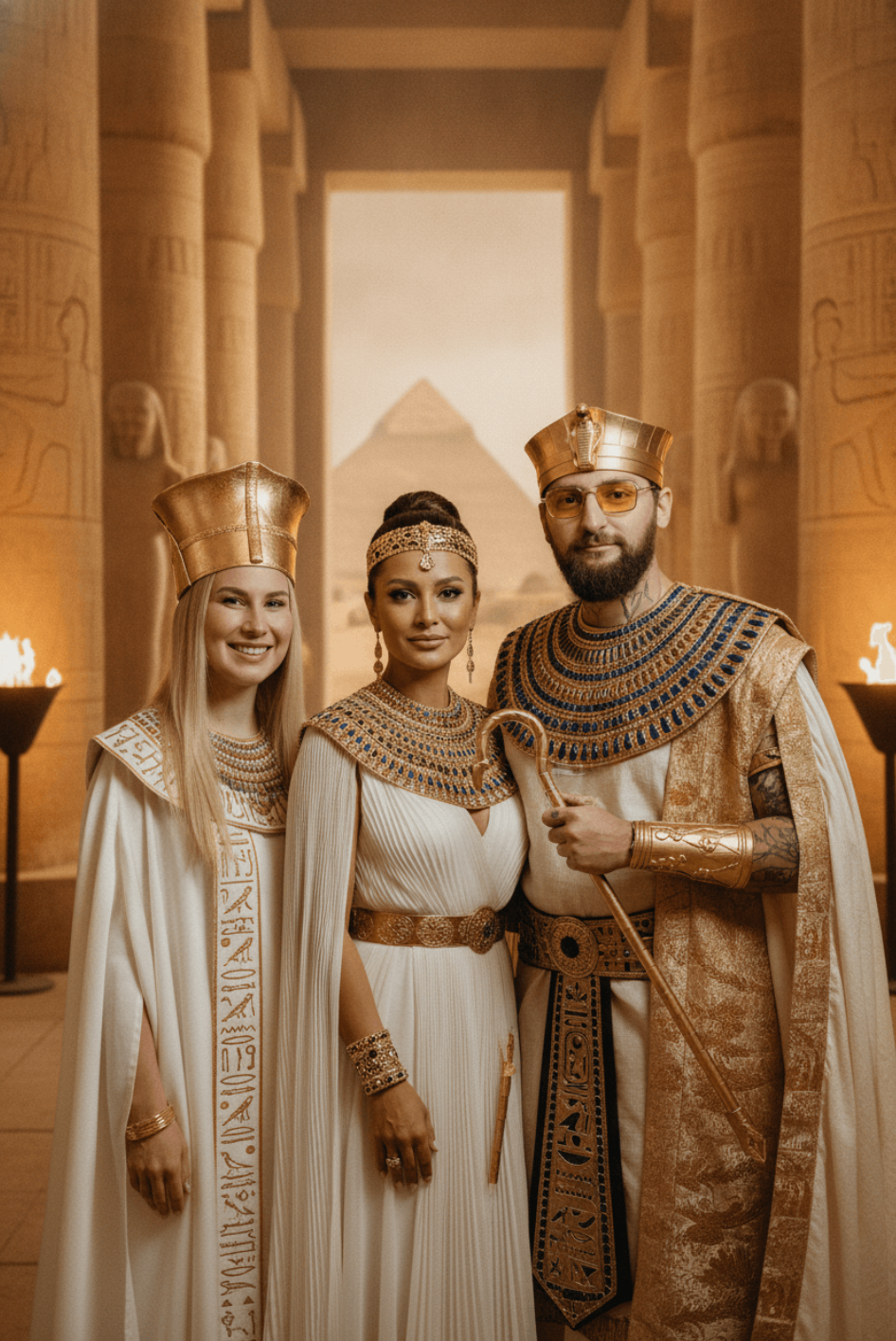
The guest picks a ready-made style, FibiBooth builds a new world around them, and the finished photo drops into your branded template just like any other shot.
No special graphics card. AI processing runs online.
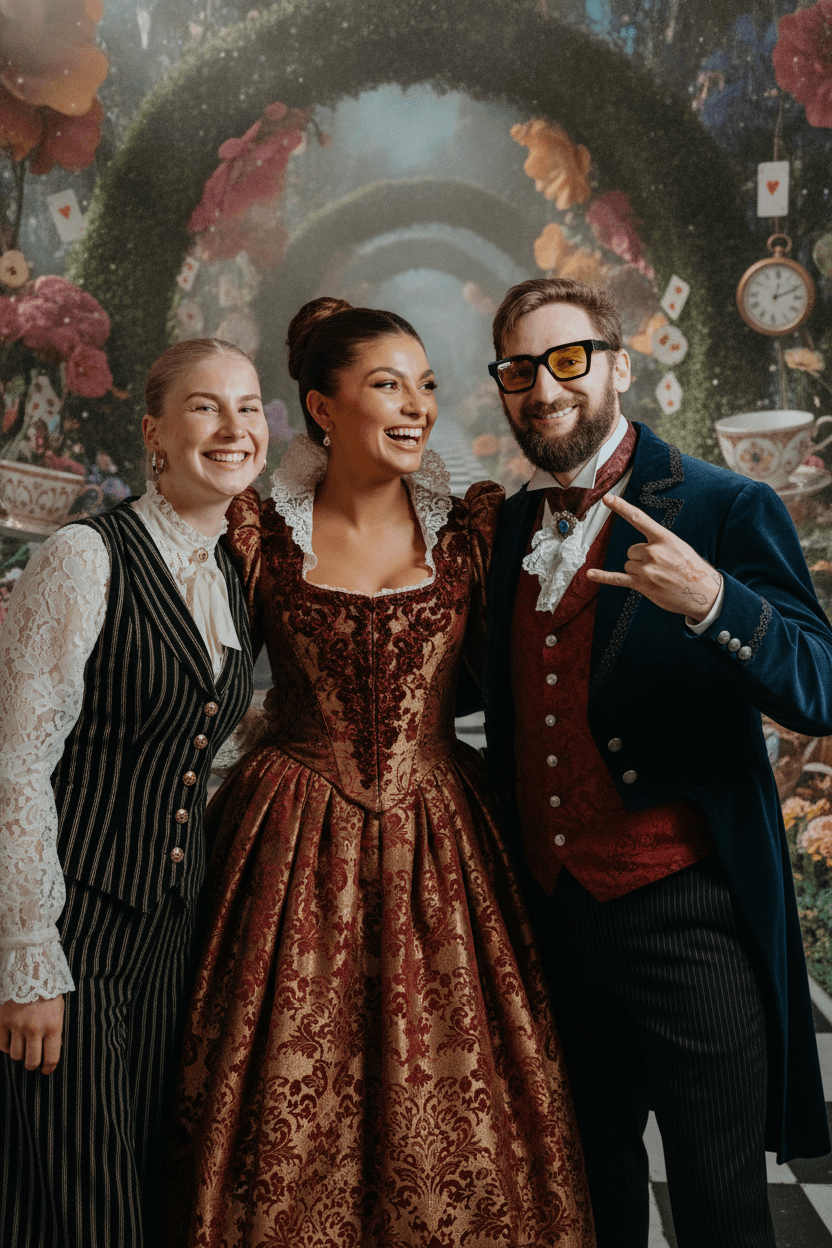
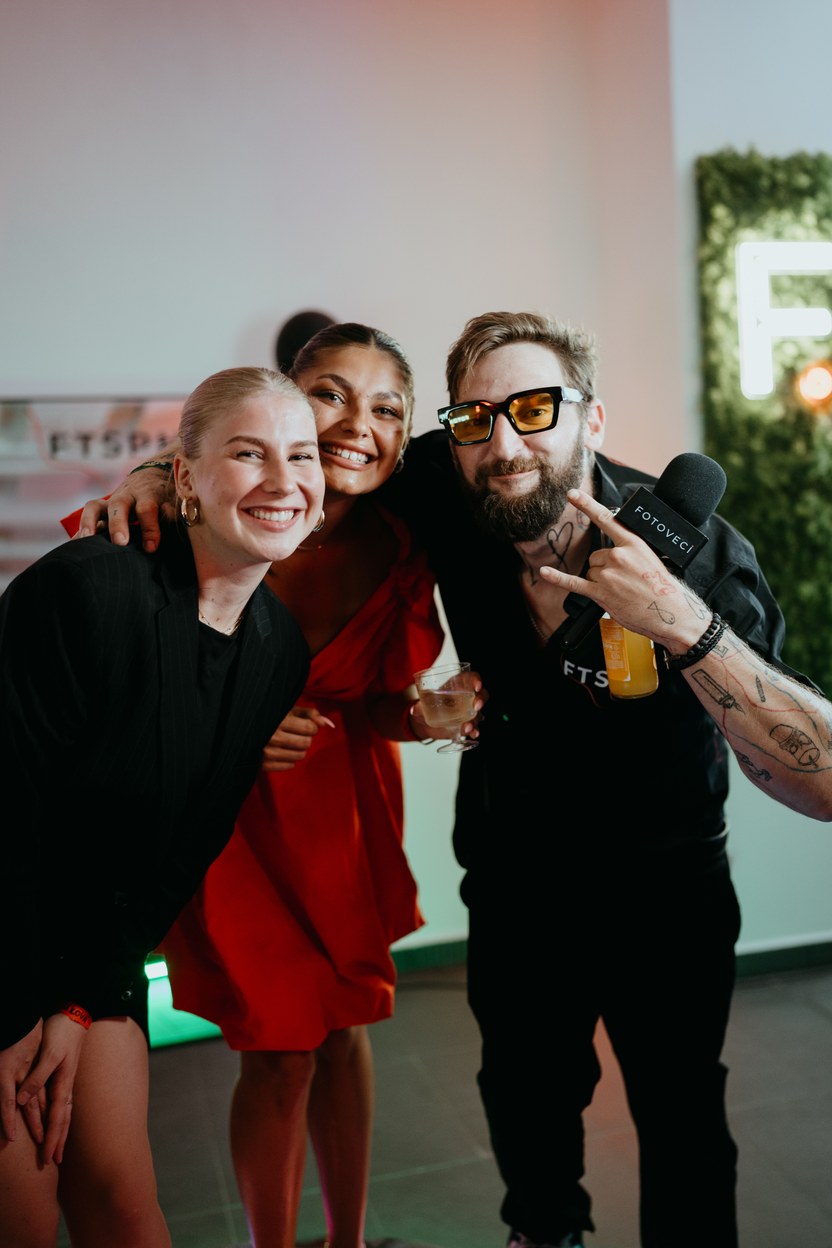
AI adds a real moment of surprise, and the booth stays just as simple to run. Picking a style, the capture, the wait and the finished photo all flow into one another.
The guest chooses from the transformations you prepared for the event.
FibiBooth takes an ordinary, high-quality photo and sets it aside.
The guest watches each step instead of a blank screen.
The AI photo drops into a frame with your logo, text and QR code.
Print the finished photo, generate it again, or let the guest scan the QR code to their phone.
The public gallery holds dozens of ready-made transformations. Copy one into your account for free, rename it, adjust the prompt and use it at a specific event.
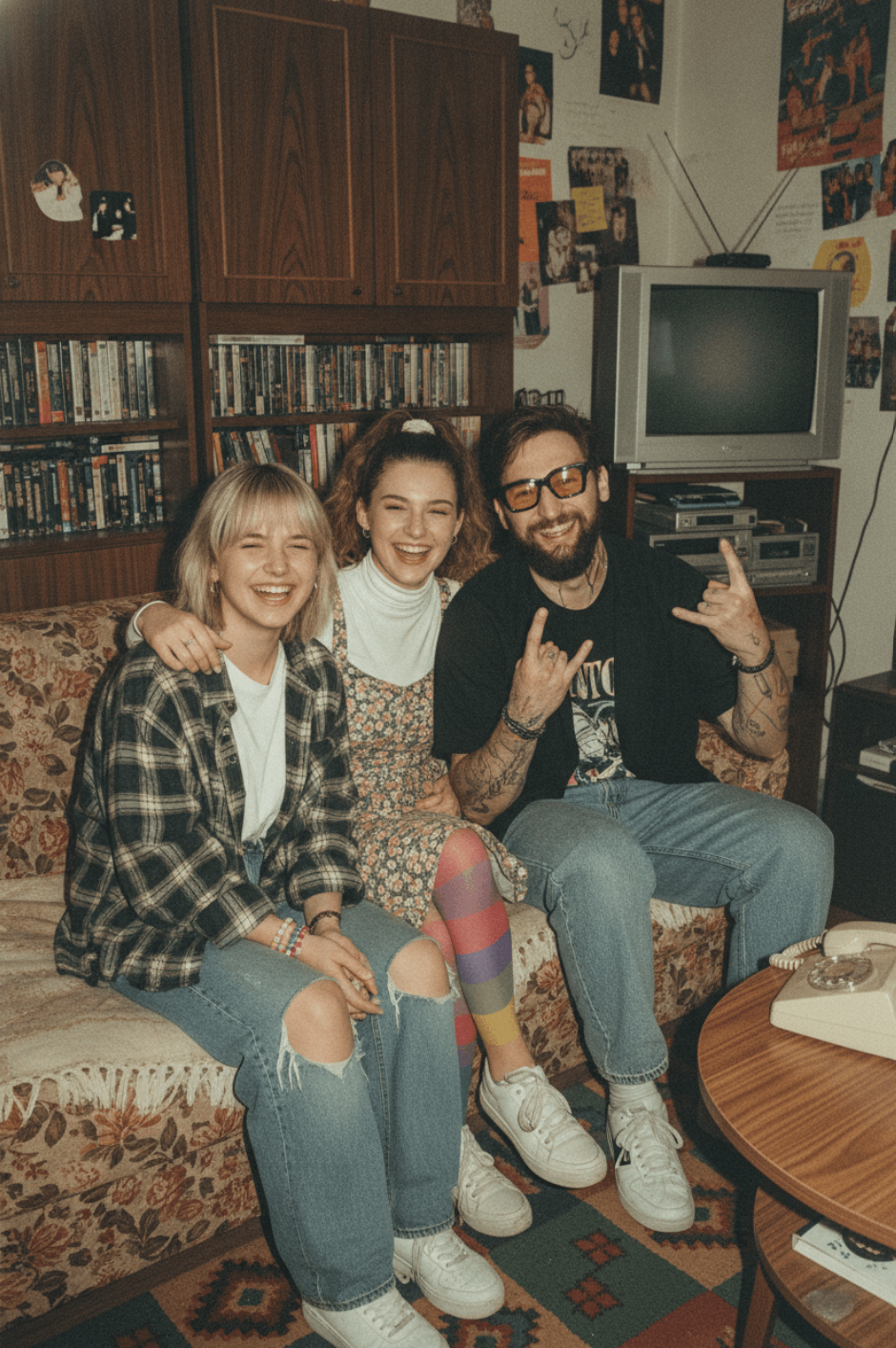
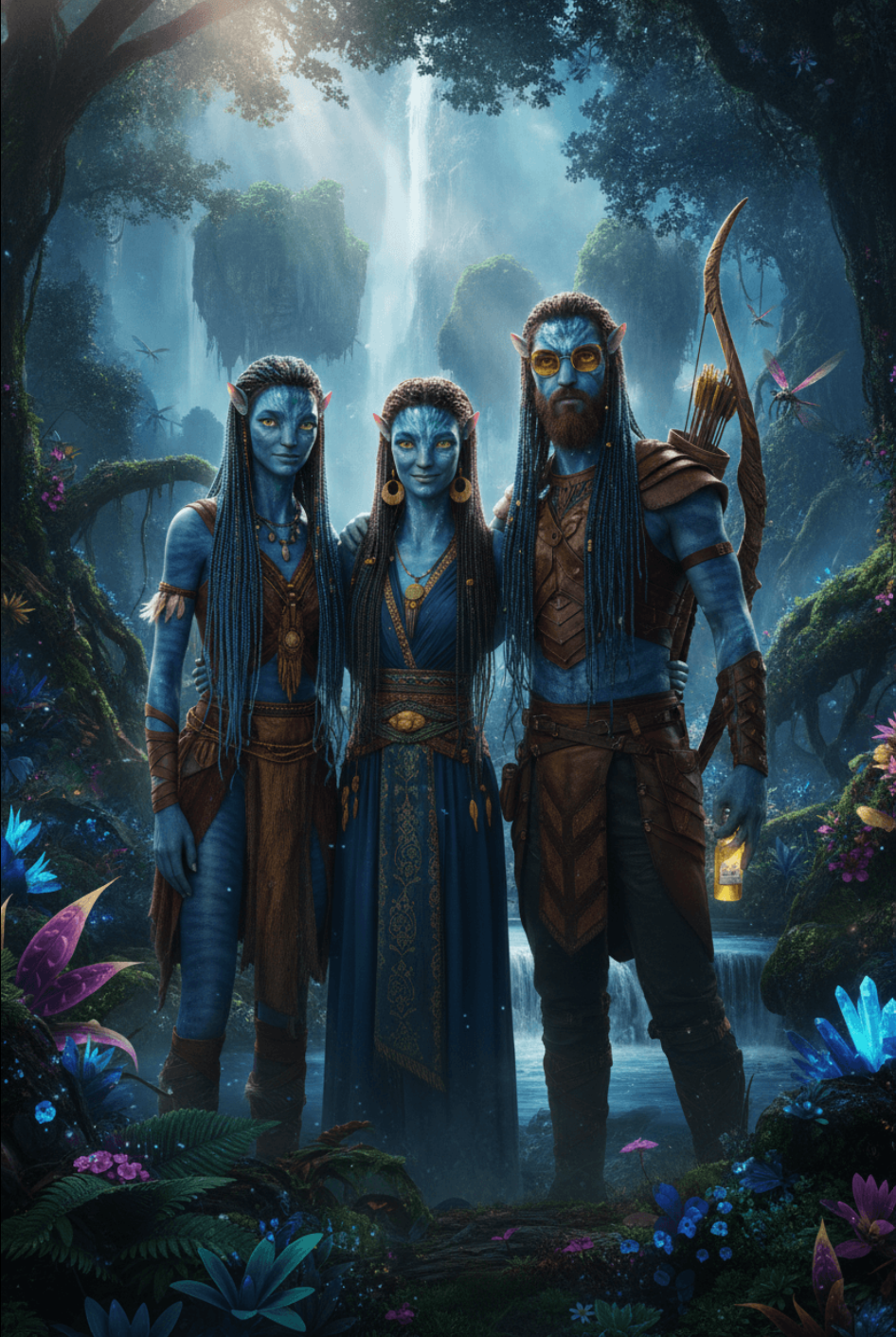
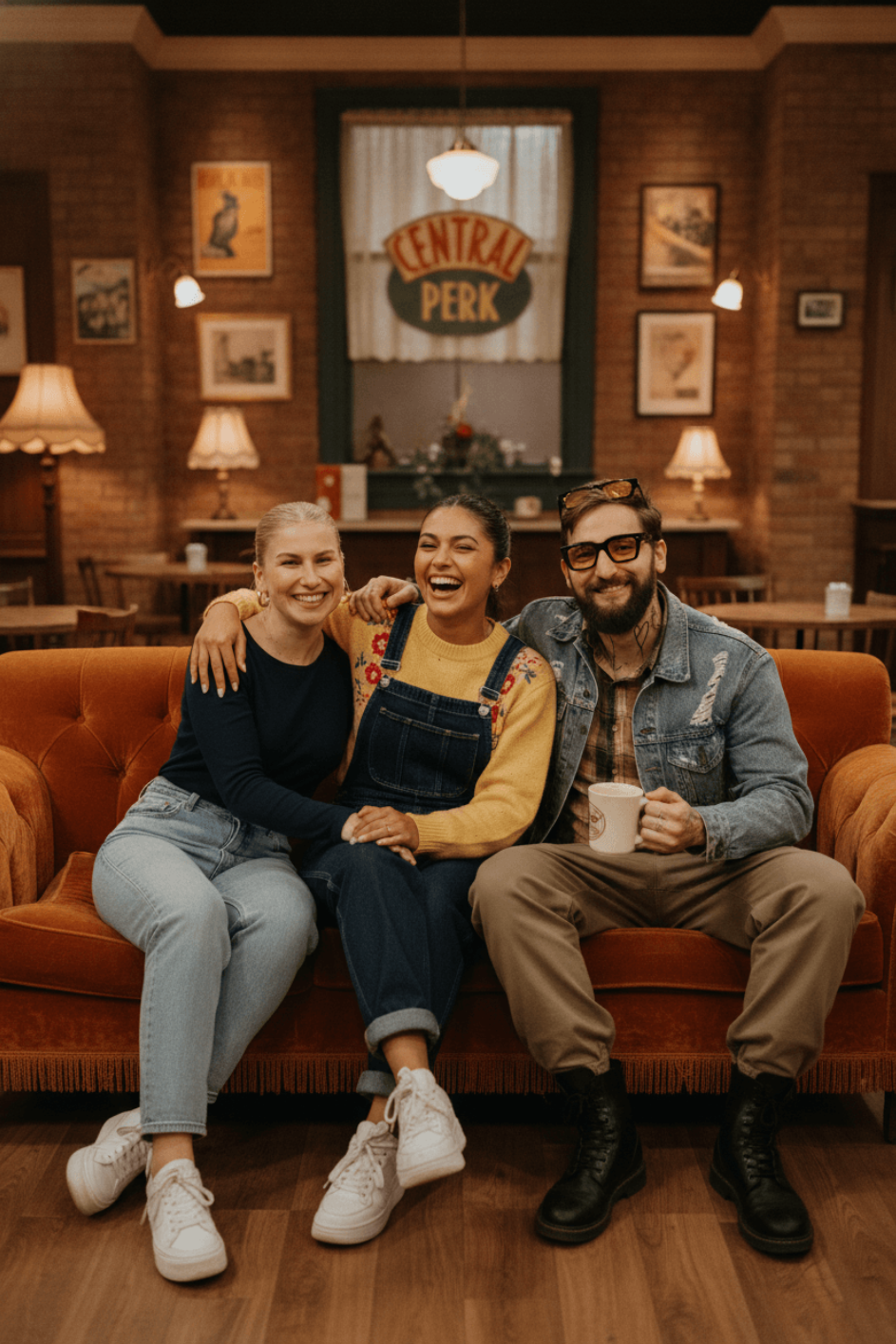
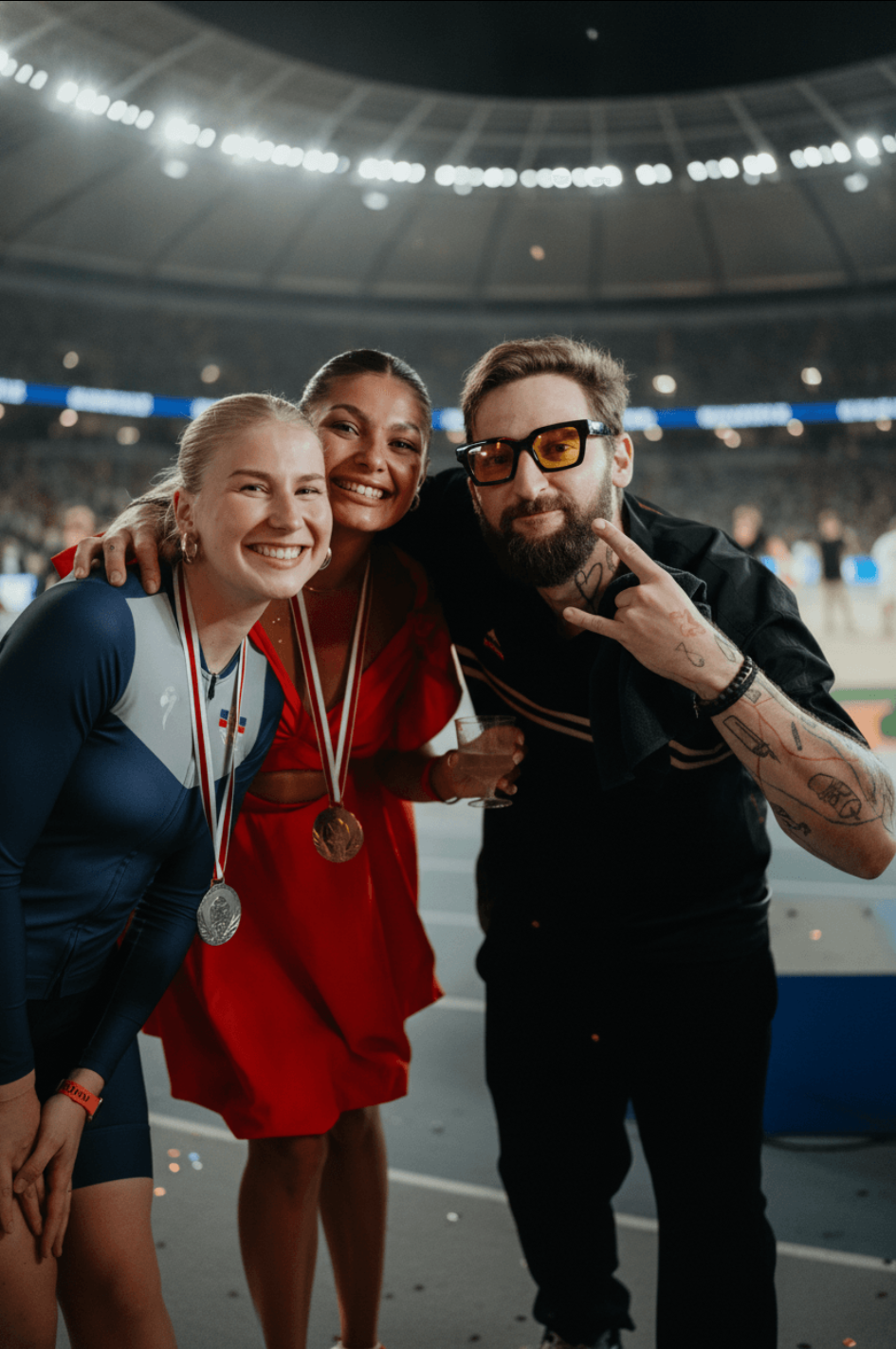
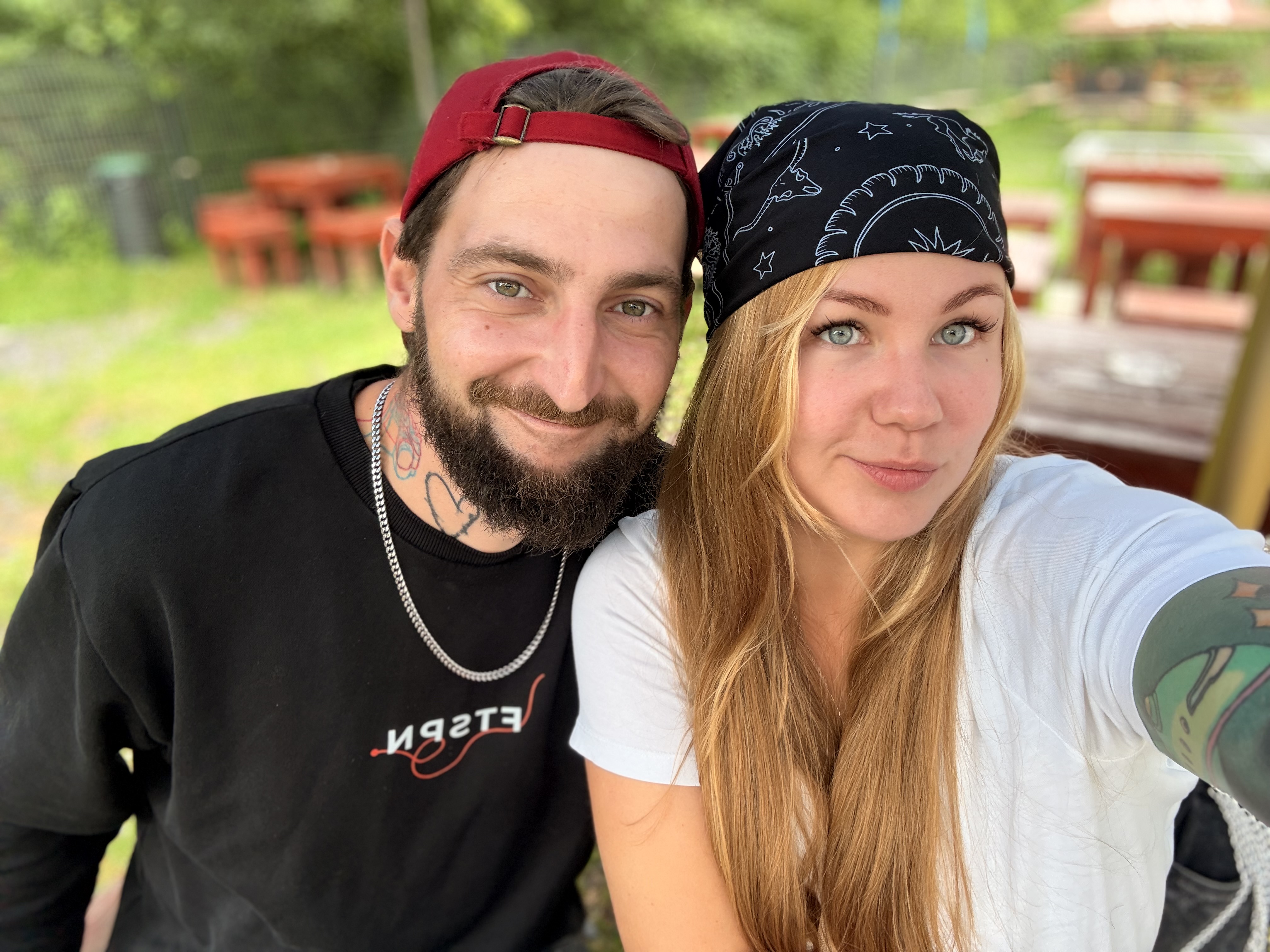
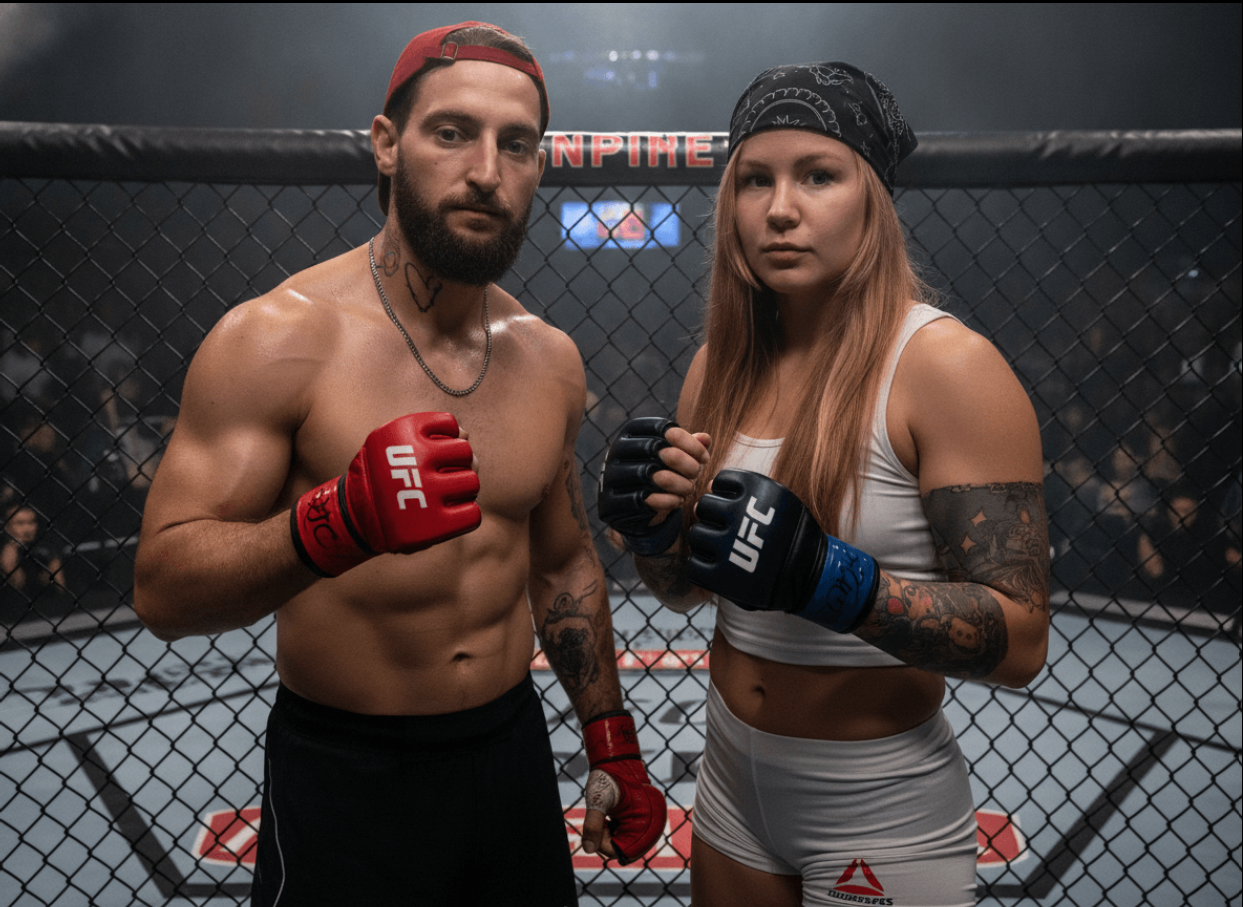
Describe how the transformation should look, pick a reference photo and generate a preview before the event. Then keep tuning the prompt until the result matches what your client had in mind.
AI doesn't have to take over the whole event. It can happily run alongside the classic photo booth, exactly where it makes sense.
A single style is applied automatically. Offer more and the guest picks before they start.
One event can offer ordinary templates and separate AI templates.
In a multi-photo template you decide which shots AI edits and which stay exactly as they were.
Instead of technical names, the guest sees a picture menu you put together.
If the result isn't right, generate it again from the original photos. The guest doesn't have to pose twice.
Your logo, frame, graphics and QR code all go on after the AI photo is finished.
FibiBooth looks after the whole path from shot to print. If the AI step fails, it reaches for the original photo so the guest doesn't leave empty-handed.
You can have the background removed or swapped before the AI even starts.
The selected photos are sent to the cloud for processing.
The foreground, logo, frame and other elements go onto the finished photo.
The result is composed for print, for the booth gallery and for the guest's QR code.
AI sometimes takes longer, changes a detail, or fails outright. FibiBooth is built for that, so guests aren't left staring at a blank screen and the operator always has something to hand over.
Processing usually takes around 30 seconds, sometimes longer depending on your connection, how busy the service is and how many photos are being edited. The guest watches it happen in the meantime. If a transformation fails, the original photo prints and the credit stays in your account.
The finished photo the guest carries away from the printer is also waiting in their QR link, in web management and in the public gallery. Individual AI photos are added only when you switch that on for the event.
A credit is charged for every photo AI successfully edits, so with an ordinary single-photo template one transformation costs one credit.
The cloud does the work, not your computer. You don't need a powerful graphics card, but every transformation needs an internet connection.
It's not a separate program or another subscription. It works in the same app you take photos and print with.
Ordinary capture and printing work offline too. AI can't be added after the fact, so no connection means no AI.
You don't need anything else to get started. A credit is only charged for a photo that actually works out.
The selected photo and your prompt are sent to the Google Generative Language service. The privacy policy has the details.
AI can draw an extra hand, rewrite text or change a face. Test a style before the event and don't promise guests they'll look exactly like the example.
Generate the style on a reference photo, fine-tune the prompt, and show guests only what you're happy with.
Download FibiBooth, create a free account and try the whole flow yourself, including your own style and a watermarked print.
Prices exclude VAT. Applicable VAT is added at checkout.
AI works best when you test it before the event on groups the size you expect, in the light you'll actually have on site.
Talk to us about an AI event →No. AI is built straight into FibiBooth for Windows. It uses the same events, camera, print templates, account and paid access.
Usually around 30 seconds. That's not a guarantee though: the connection, how busy the service is, or a multi-photo template can all stretch it.
FibiBooth uses the original photo, so the guest walks away with a result either way. And if the edited photo never arrives, the credit stays in your account.
One credit per edited photo. Turn AI on in three positions and one finished photo costs three credits. A repeat transformation is charged again.
No. The cloud does the work. What matters more is a stable internet connection and a computer that handles ordinary FibiBooth use comfortably.
Yes. That same finished photo is the main result in the guest's QR link, in web management and in the public gallery. Individual edited photos show up only if that event's gallery setting allows it.